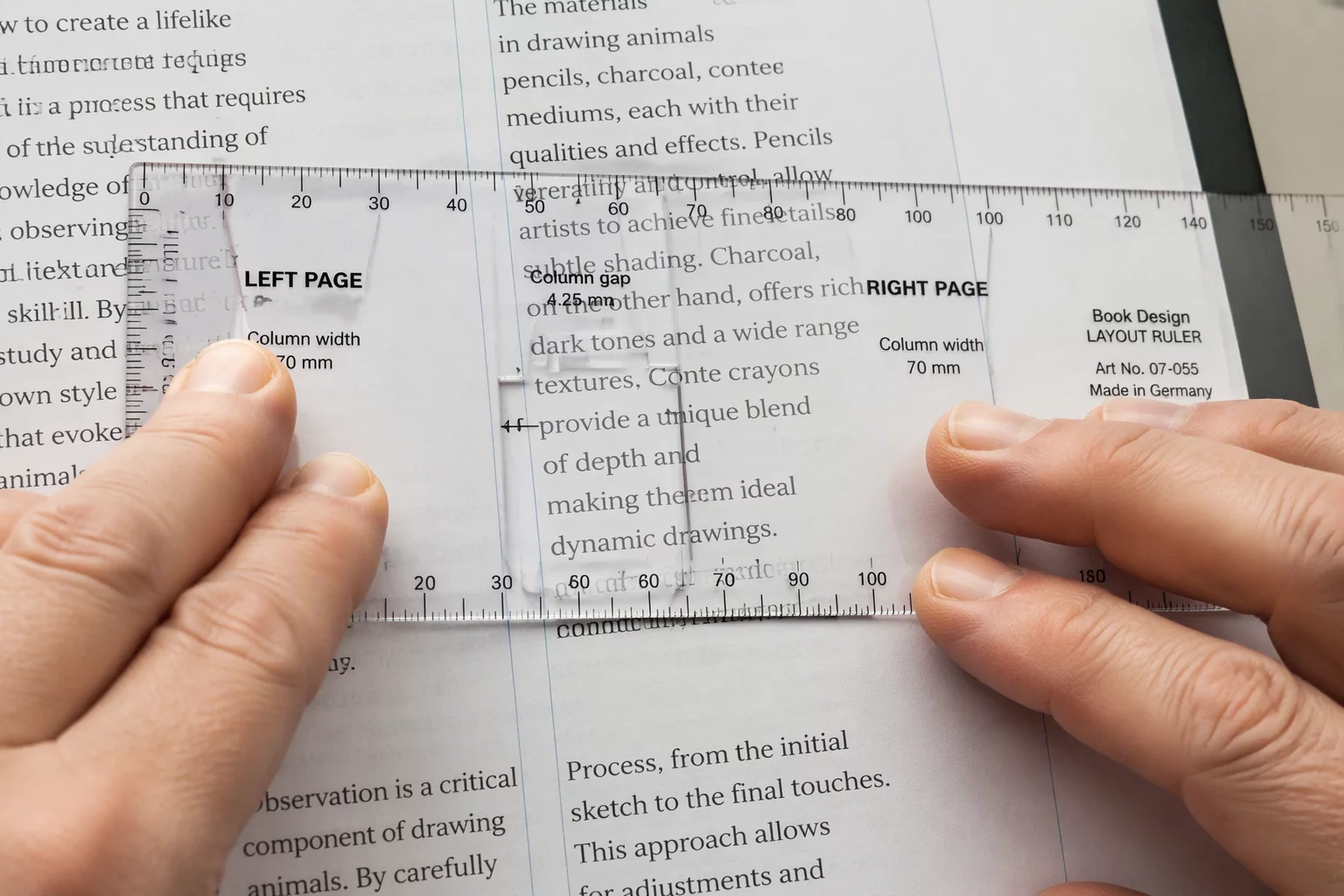
In any extensive brochure layout, page cohesion relies on an invisible vertical pulse. When text frames float arbitrarily, facing pages display jagged horizontal breaks that tire reader comprehension. Setting up an unyielding baseline increment inside your CorelDRAW multipage layout anchors primary text blocks, ensuring paragraph baselines match across gutters regardless of column width.
Designers calculate this increment directly from the primary body copy size and its line spacing. When body type sits at 10 points with 14 points of leading, all subsequent spacing tokens—subheadings, blockquotes, and figure captions—must adopt multiples or half-increments of that 14-point interval.
- Lock primary text frames to top document margins rather than optical positioning.
- Configure paragraph spacing to add leading in whole-line increments instead of arbitrary point padding.
- Align caption boxes and side notes to snap baselines directly with adjacent editorial columns.